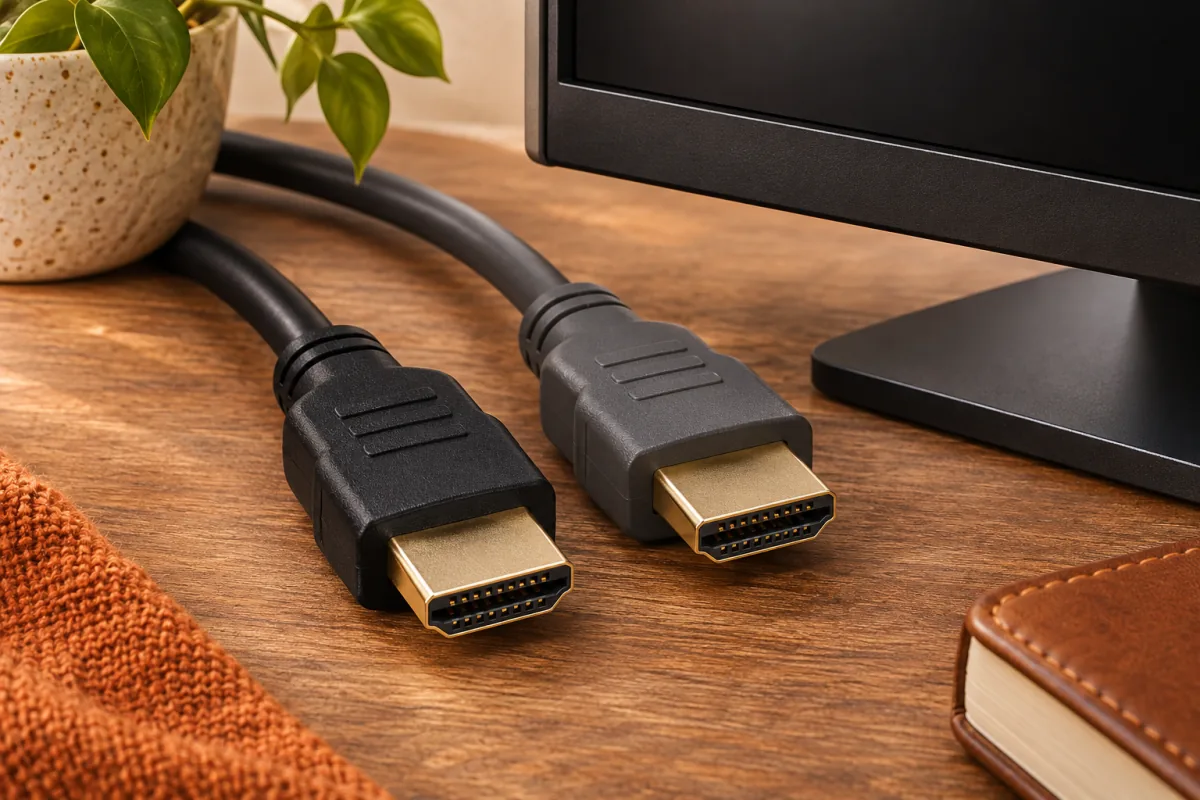
حدد الجهاز المصدر والشاشة والوضع الذي تريد تشغيله، مثل دقة معينة مع معدل تحديث محدد. ثم راجع منافذ الطرفين وإعداداتهما. الكابل جزء من سلسلة الاتصال؛ لا يعوض وظيفة لا يدعمها المصدر أو منفذ الشاشة.
إذا كان بينهما مستقبل صوت أو محول أو موزع، أضفه إلى القائمة. اختبر الاتصال المباشر أولًا عند تشخيص مشكلة حتى لا تستبدل الكابل بينما القيد في جهاز وسيط.
الاسم والاعتماد أهم من الوصف الفاخر
توضح HDMI برامج اعتماد مثل Premium High Speed وUltra High Speed، مع تسميات للتحقق من المنتجات المعتمدة. ابحث عن الفئة التي تلبي الإشارة المطلوبة وراجع وسيلة التحقق الرسمية لملصقها؛ عبارات مثل احترافي أو مناسب للألعاب ليست بديلًا عن مواصفة واضحة.
طابق رقم الموديل والطول في العرض مع المنتج الذي يصلك. لا تفترض أن كل أطوال عائلة الكابل لها المواصفات نفسها، واطلب صفحة رسمية إذا غابت التفاصيل عن وصف المتجر.
الطول والمقابس والتركيب
قِس المسار الفعلي خلف الأثاث مع مساحة معقولة لترتيب السلك، لا المسافة المستقيمة فقط.
راجع شكل الموصل عند الطرفين؛ تحقق إن كنت تحتاج HDMI بالحجم المعتاد أو مقاسًا آخر.
إن كان الكابل اتجاهيًا، اتبع علامتي المصدر والشاشة قبل تمديده أو إخفائه.
اختبر الكابل كاملًا قبل تثبيته داخل قناة أو خلف أثاث يصعب تحريكه، واتبع تعليمات الانحناء والتركيب.
اختبار واضح بدل تبديل عشوائي
شغّل الدقة ومعدل التحديث المطلوبين من إعدادات الجهاز، ثم جرّب المحتوى والصوت اللذين تستخدمهما. عند ظهور تقطع، دوّن الإعداد والمنفذ والعناصر الوسيطة، وبدّل عنصرًا واحدًا كل مرة. احتفظ بتغليف الكابل وبيانات الموديل حتى تنهي الاختبار. ليس الهدف شراء أعلى فئة في كل مرة، بل شراء اتصال يلبي استعمالك الفعلي.
بصفتي مشارك لأمازون، فإنني أكسب من عمليات الشراء المؤهلة. لا نعرض سعر أمازون ولا صوره: السعر والتوفر في صفحة المنتج على أمازون وقت الشراء. لم يختبر WESH هذه المنتجات بنفسه؛ اخترناها لأن مواصفاتها المعلنة تطابق معايير الدليل.
حدود هذا الدليل
هذا دليل معايير، وليس اختبارًا معمليًا. WESH لم يختبر أي منتج بنفسه ولا يعرض نتائج قياس.
لا يذكر هذا الدليل سعرًا؛ السعر والتوفر والشحن والضريبة يحددها المتجر وقت الشراء.
المواصفات تتغير بين الإصدارات والأسواق. تحقق من صفحة المنتج لدى المتجر ومن ورقة المواصفات لدى الشركة المصنّعة قبل الشراء.
لا يقدم WESH توصية طبية أو هندسية ولا يضمن ملاءمة منتج لحالتك.
أسماء العلامات التجارية المذكورة تعود إلى أصحابها، وذكرها للتعريف بالفئة فقط ولا يعني اعتمادًا أو شراكة.
Start with resolution, refresh rate and cable length when buying HDMI. Match the complete connection and check certification instead of paying for vague descriptions.
Identify the source, display and intended operating mode, including resolution and refresh rate. Check both devices’ ports and settings. A cable is part of the connection; it cannot add a function absent from the source or display port.
Include any receiver, adapter or splitter in the plan. When troubleshooting, try a direct connection first so you do not replace a cable for a limitation caused by an intermediate device.
Look for a clear category and certification
HDMI describes certification programmes including Premium High Speed and Ultra High Speed, with labels that support verification. Choose the category required by your intended signal and follow the official label-verification method. Terms such as professional or gaming do not replace a documented specification.
Match the exact model and length in the listing to what arrives. Do not assume every length in a product family has identical specifications. Request a manufacturer page if the seller leaves those details unclear.
Plan the physical route
Measure the actual path behind furniture with sensible routing room, rather than the straight-line distance alone.
Check connector sizes at both ends instead of assuming the standard HDMI plug is required everywhere.
For a directional cable, follow source and display markings before routing it.
Test the full cable before concealing it, and follow its bending and installation instructions.
Troubleshoot one variable at a time
Select the required resolution and refresh rate, then try the picture and sound content you normally use. If dropouts occur, note the setting, port and intermediate devices, changing one element at a time. Keep packaging and model information until testing is complete. The objective is a connection that meets your real needs, not automatically the highest cable category.
Options from well-known brands worth a look in 2026
UGREEN HDMI 2.1 cable, 2 m — Suits high-refresh 4K devices; pick the right length and do not pay for more than your device supports.
As an Amazon Associate I earn from qualifying purchases. We show neither Amazon's price nor its pictures: price and availability are on the Amazon product page at the time you buy. WESH has not tested these products; they are listed because their declared specifications match this guide's criteria.
Limits of this guide
This is a criteria guide, not a laboratory test. WESH has not tested any product itself and reports no measurements.
No price appears here. Price, availability, shipping and tax are set by the merchant at checkout.
Specifications change between revisions and markets. Check the merchant product page and the manufacturer spec sheet before buying.
WESH gives no medical or engineering recommendation and does not warrant that a product suits your case.
Brand names are the property of their owners and are used to identify a category, not to imply endorsement or partnership.